v1.0.0 — seven agents, zero cloud

AI agents that run on
your machine

Seven specialist agents write structured business artifacts — brand system, product spec, engineering design, marketing plan, and more. Everything processes locally via Ollama. Nothing leaves your machine.

Free and open source · MIT license · CI

Windows 10/11 x64 macOS 12+ Requires Ollama 8 GB RAM minimum
How it works

Three steps from intent to artifact

No configuration files. No cloud accounts. No subscriptions. Just install, type a goal, and approve the output.

1

Install

Run the installer. It detects Ollama, downloads the model you choose, and verifies everything is working with a smoke test before you ever touch the main app.

2

Run an agent

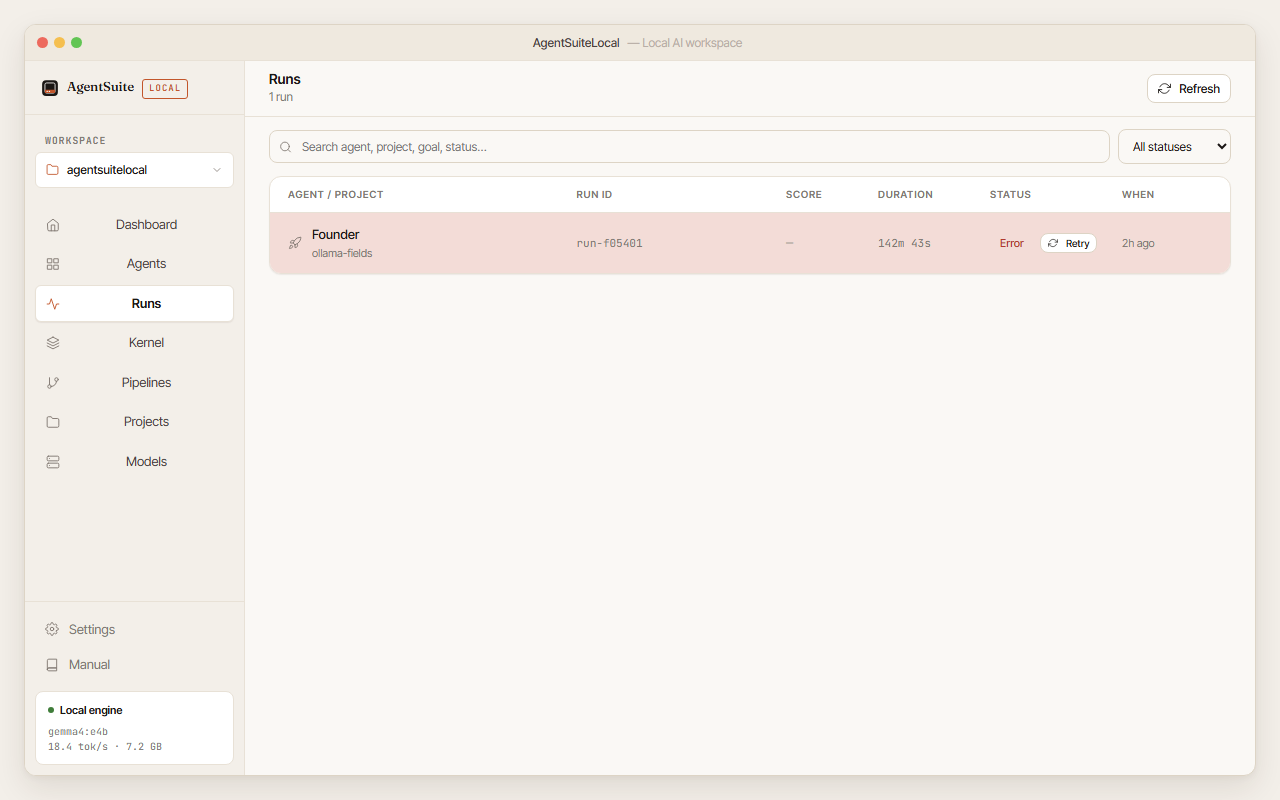
Choose an agent, type one sentence describing your goal, optionally point it at a folder of notes. The five-stage pipeline runs in 9–16 minutes and writes structured markdown artifacts to your disk.

3

Review and approve

The Approval Gate shows every artifact with rendered markdown, a QA score across nine dimensions, and a diff against prior versions. Approve what's good — it feeds every future run on that project.

The agents

Seven specialists, one goal field

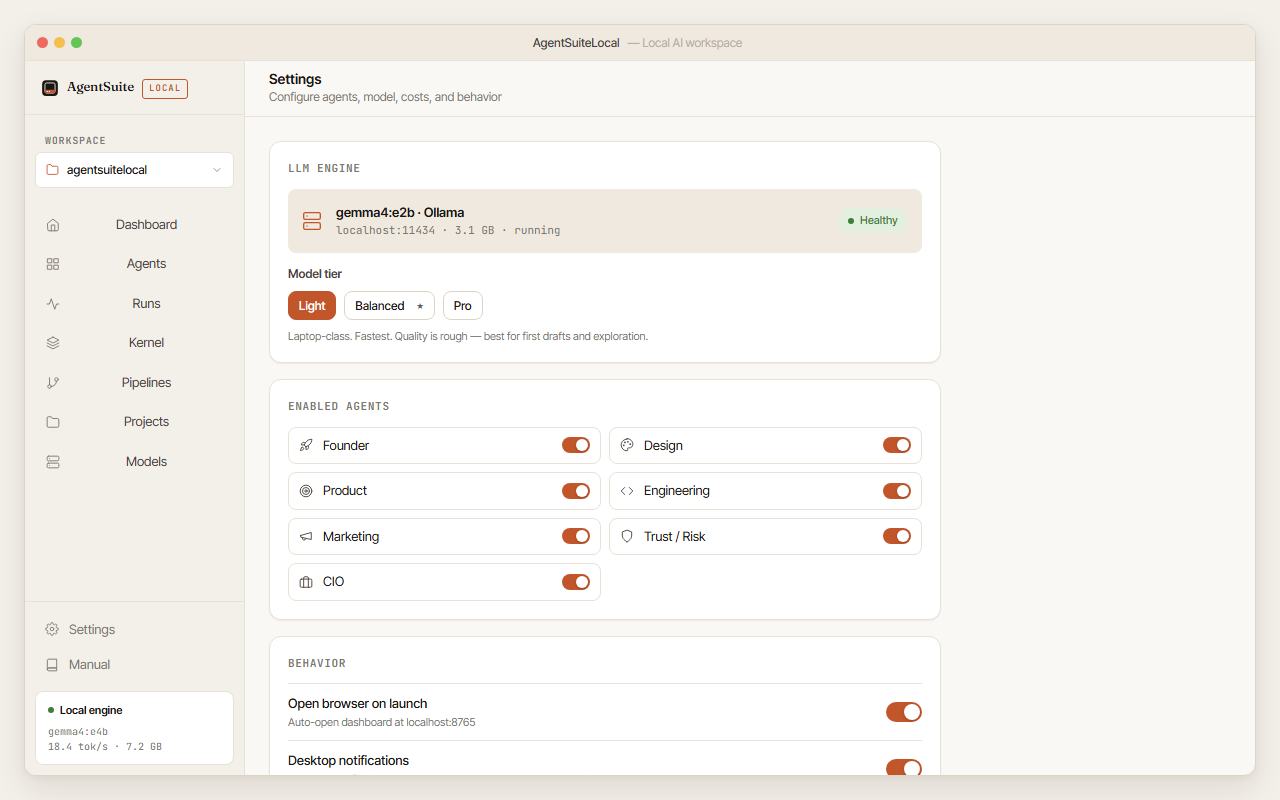
Each agent is pre-configured with a domain-specific pipeline and QA rubric. You write the goal; the agent handles the structure.

🏗️

Founder

Brand system, voice guidelines, positioning, messaging hierarchy.

26 artifacts · ~14 min
🎨

Design

Design briefs, visual language spec, icon direction, brand QA checklist.

18 artifacts · ~9 min
📋

Product

UI/UX spec, feature specs, user stories, handoff docs, acceptance criteria.

17 artifacts · ~12 min
⚙️

Engineering

ADRs, system design, API specs, runbooks, infrastructure checklist.

17 artifacts · ~16 min
📣

Marketing

Launch plan, campaign briefs, messaging matrix, social content plan, email sequences.

18 artifacts · ~11 min
🛡️

Trust / Risk

Threat model, controls register, compliance checklist, incident response plan.

17 artifacts · ~13 min
💻

CIO

IT strategy, technology roadmap, vendor evaluation matrix, IT architecture brief.

17 artifacts · ~14 min
Requirements

What you need

These are honest minimums. The app works on the minimum but is noticeably faster on recommended hardware.

OS
Windows 10/11 x64
or macOS 12+
RAM
8 GB minimum
16 GB recommended
Disk
10 GB free
for app + model
Internet
For first setup
to pull model once
Ollama
Required
installer downloads it
API key
Not required
optional cloud fallback
Screenshots

What it looks like

All screenshots at 1280×800. Light and dark themes available.

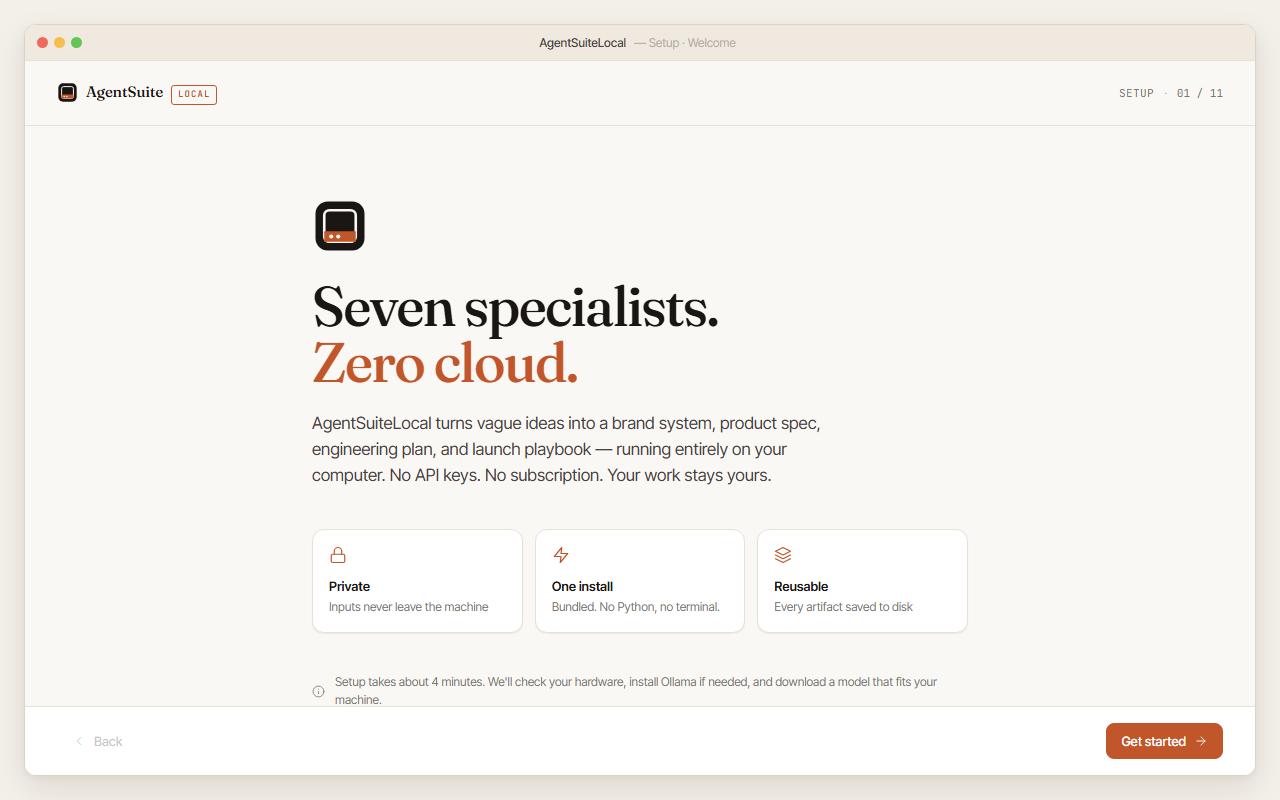
Installer welcome screen
Installer — welcome screen
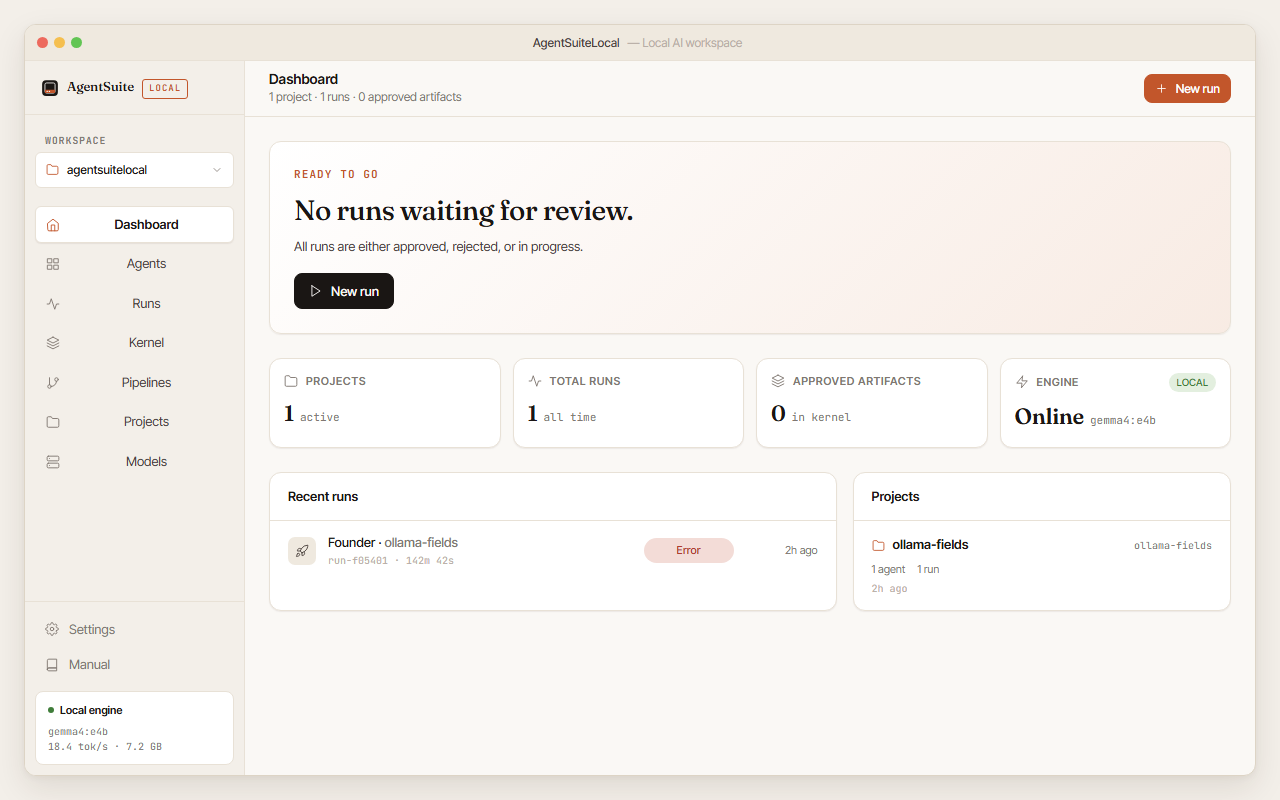
Dashboard
Dashboard — engine status and recent runs
Live run
Live run — five stages, elapsed timers
Approval gate
Approval gate — markdown preview, QA scores
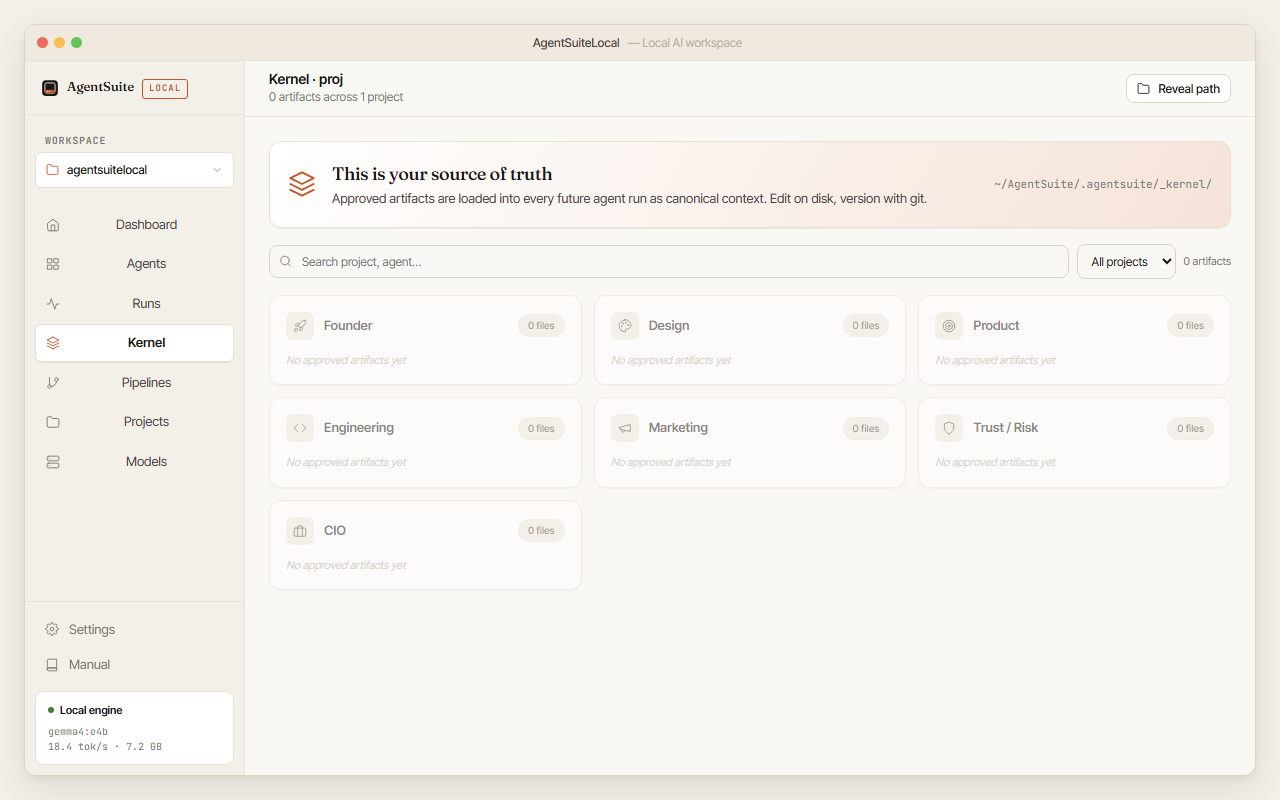
Kernel view
Kernel — approved artifacts by project
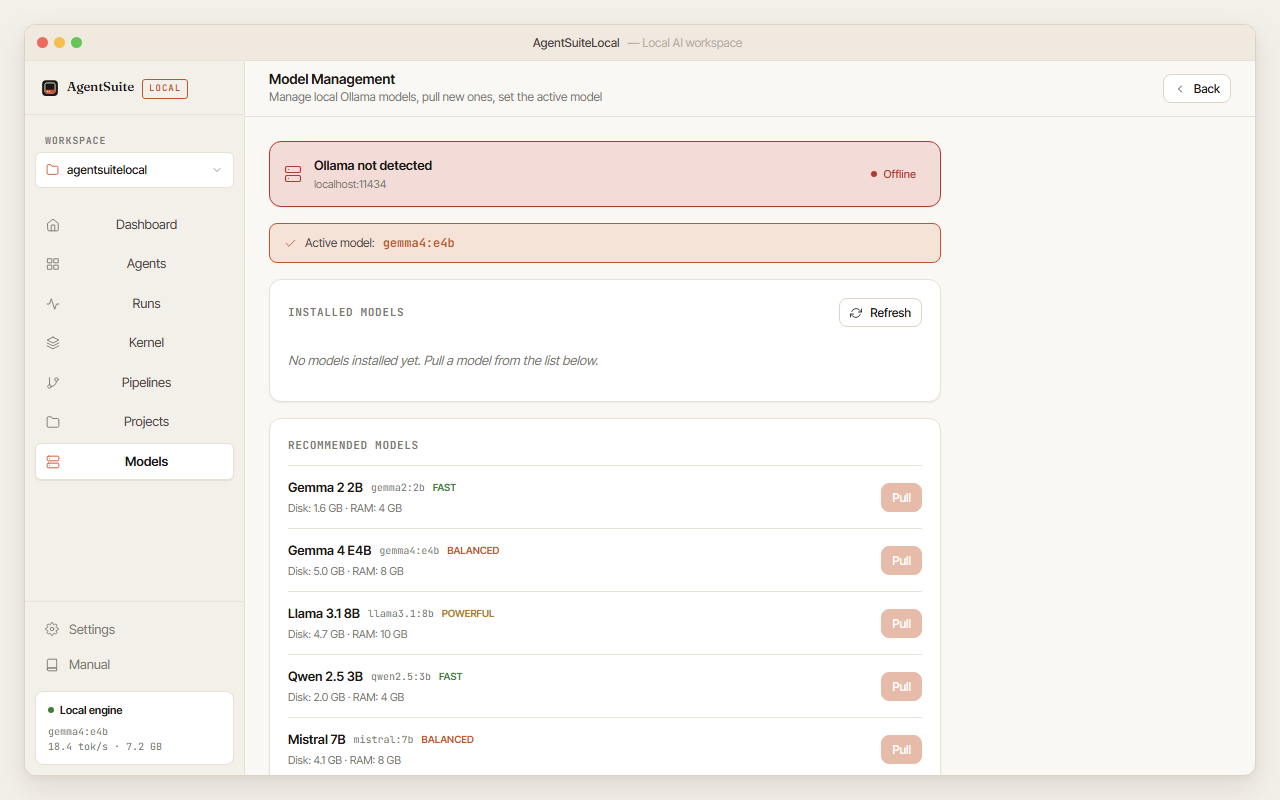
Model management
Model management — pull, set active, delete

Download AgentSuiteLocal v1.0.0

Free and open source. Runs on Windows 10/11 and macOS 12+.

↓ Windows installer (.exe) ↓ macOS (.dmg)
v1.0.0 · Windows: ~33 MB · macOS: ~44 MB · Release notes · Changelog
Windows SmartScreen: AgentSuiteLocal is free, open-source beta software and the Windows installer is unsigned, so Windows may show "Windows protected your PC". If you downloaded it from this official release, click More info, then Run anyway.
SHA256 checksums published on the release page.